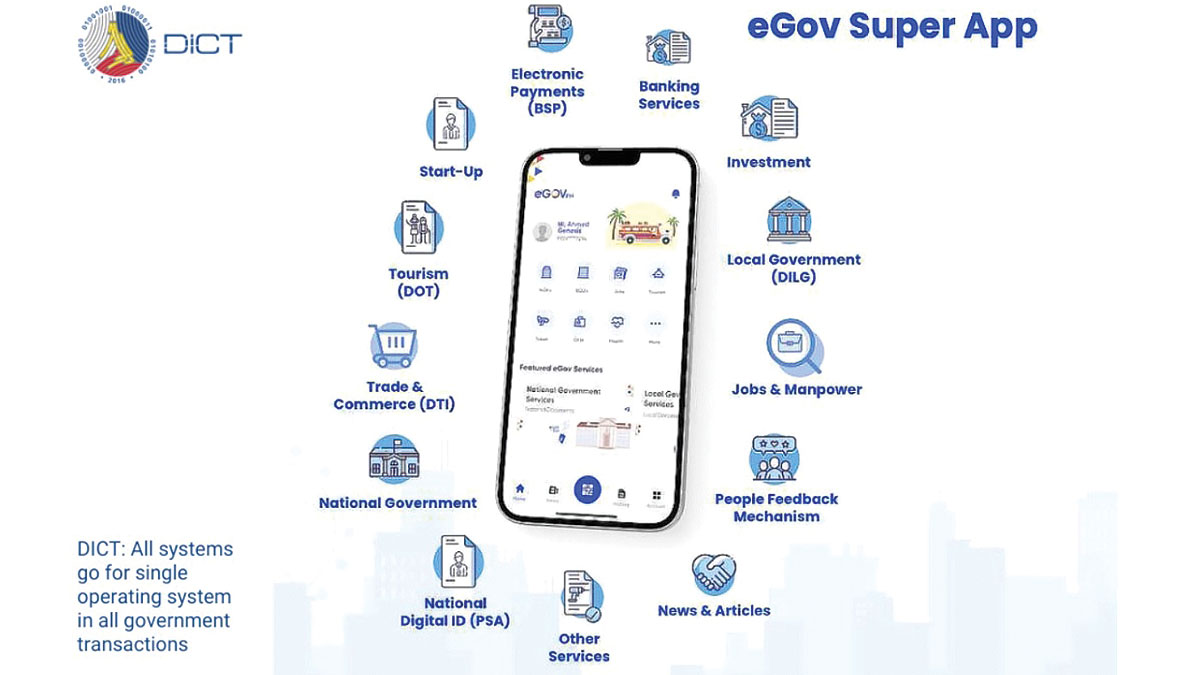

Mas mabilis na government transactions para sa mga Pilipino ang bitbit na pangako ng paglulunsad ng eGOV PH (e-Government Philippines) Super App ng Department of Information and Communications Technology (DICT) nito lamang Hunyo.
Paano ito gamitin?
Is it as good as it promises to be?
Read: Pag-IBIG members can now check account via mobile app
MGA DAPAT MALAMAN UKOL SA EGOV PH
Base sa mga paglalarawan sa mga digital distribution services na Google Play at Apple App Store, ang eGOV PH ay magsisilbing one-stop shop para sa karamihan ng government services.
Ganito rin ang nakasaad sa mismong website ng application.
Ayon sa e.gov.ph, ang e-Government Philippines “is a mobile application that simplifies transactions between the government and citizens. With a vision to build a connected nation, this platform integrates the multi-sectoral government through a one-stop online system that will minimize economic costs for the citizens.”
Ilan sa mga pangako ng application ay ang magsilbing “partner of the people” na magbibigay ng karamihan ng national at local government services sa pinakamabilis na paraan.
Layunin din nito na gawing simple ang karamihan sa mga kinakailangang serbisyo para sa mamamayan sa mga ahensiya ng gobyerno tulad ng SSS, Philhealth, Pag-Ibig, DFA, at LTO.
Mapapabilis din daw nito ang SIM registration, job application, at mga transactions na related sa business start-ups tourism, at health care.
Ayon sa The Philippine Star, nagpahayag ng kumpiyansa ang Pangulong Bongbong Marcos sa hakbang na ito tungo sa digitization hindi lamang upang mapabilis ang mga government processes, kundi upang mabawasan din umano ang corruption.
Sa talumpati ng pangulo sa project launch ng eGOV PH noong ika-2 ng Hunyo 2023 para sa National Information and Communications Technology Month, ipinagmalaki niya ang magandang pangako ng super app.
“It simplifies the process, especially for the citizen, and there is no discretion being exercised by anyone.
“We owe that to the people. We owe them to be able to do that. We should not allow them to continue to suffer this antiquated, corrupt, and inefficient system.
“We hope with the beginnings of this e-governance system, that a senior living in an isolated place, isolated island somewhere who, by the time we will have connectivity, can just go on to their phone (and transact)."
Read: Pre-packed at processed products na may trans fat, ipinagbabawal na
HOW TO DOWNLOAD
Madali lamang ang paraan ng pag-download ng eGOV PH super app.
Available ito for free sa Google Play at Apple App Store para sa mga android at iPhone users.
Narito ang mga hakbang upang mag-download ng app, mag-register, at magpa-verify ng account:
Step 1: I-download ang eGOV PH sa Google Play para sa mga Android device users at Apple App Store para sa mga iPhone at Apple device users.
Step 2: Mag-register ng account sa pamamagitan ng paglalagay ng mobile number upang maka-receive ng One-Time Pin (OTP) bilang pag-authenticate ng inyong number.
Step 3: Matapos i-enter ang OTP ay maaari nang i-set up ang inyong 6-digit MPIN na kailangang i-log in nang dalawang beses.
Step 4: I-click ang “VERIFY NOW” upang mailagay ang personal information, tulad ng pangalan, citizenship, birthdate, at email address.
Step 5: I-verify ang email address sa pamamagitan ng pagbubukas ng email na ise-send sa ini-register na email address bilang karagdagang hakbang sa account verification process. I-click lamang ang “CONTINUE.”
Step 6: Ilagay ang complete address at i-click ang “NEXT.”
Step 7: Ang huling step sa verification process ay ang pagkuha ng selfie gamit ang app.
Step 8: Matapos nito ay makaka-receive ng message na: “You have successfully upgraded your account. You can now view your Digital PhilSys ID.” Katunayan ito na verified na ang account.
Step 9: Mag-generate ng QR code para sa digital ID.
Read: Nursing graduates na bagsak sa board exam, planong i-hire ng gobyerno
HOW TO USE
Hindi maaaring i-skip ang verification process ng EGOV PH account para ma-avail ang iba’t ibang features ng app.
Mahalaga ring malaman ng publiko na maaaring magkakaiba ang mga serbisyong puwedeng i-avail, depende sa lokasyon.
Ilan sa mga ito ay ang pagbabayad ng buwis, pag-renew ng driver’s license, pag-apply ng mga permits, at pag-check sa mga existing job applications.
Maari din ma-access sa pamamagitan ng eGOV PH ang ilang government information tulad ng mga announcement, public updates, at news.
Read: What you should know about personal data of dead Facebook users
THE PUBLIC REACTS
Dahil bago pa lamang naipapakilala ang eGOV PH sa publiko, wala pa gaanong feedback na naibibigay ang mga tao.
Ang ilan sa mga naka-try nito ay natutuwa sa magandang hangarin ng super app, pero may agam-agam ukol sa paggamit nito sahil sa security issue.
Aprubado ito sa iba at nakapag-register na, samantang may mga naka-experience ng mga problema sa pagre-register.
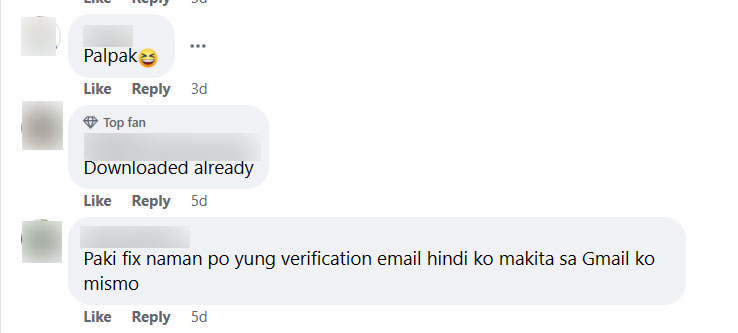
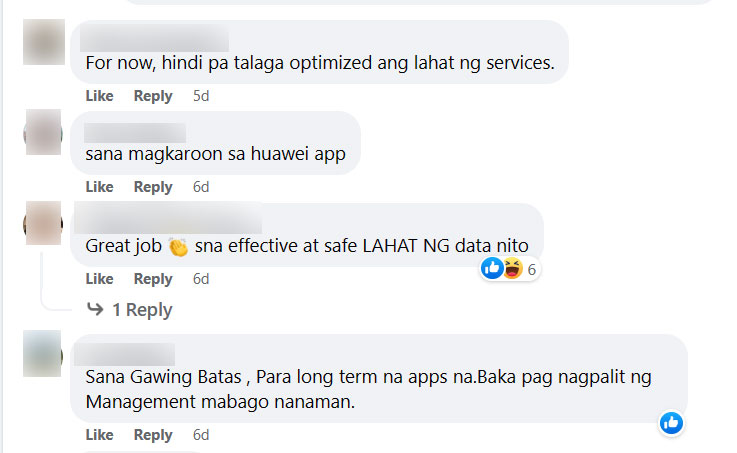
Narito ang mga comments na iniwan sa post ng Presidential Communications Office tungkol sa eGOV PH super app, published as is:
“For now, hindi pa talaga optimized ang lahat ng services.”
“Sana effective lalo sa BIR offices.”
“Safe po ba to?”
“Great job...sna effective at safe LAHAT NG data nito”
“Bakit ayaw mag capture ang Camera”
“Ano ang nagagawa at kayang gawin ng apps na ito sa mga Pilipino?”
“Sana Gawing Batas , Para long term na apps na.Baka pag nagpalit ng Management mabago nanaman.”
Ang ilan naman ay nagpahayag ng pagka-dismaya dahil sa umano’y ilang “kapalpakan.”
“Anu kaya basis nila na disapproved ako sa apps na eto ayaw nila verified.”


“Palpak”
“Paki fix naman po yung verification email hindi ko makita sa Gmail ko mismo”